Claude Code can be a data analyst now. Three ways, and what each asks of you.
Three tools already connect Claude Code to a database and return an analysis. It is worth naming them plainly before claiming anything.
- Anthropic's Data plugin. Free and first-party. It connects Snowflake, Databricks, BigQuery, or any SQL database, writes the SQL, builds visualizations with
/create-viz, and assembles interactive dashboards with/build-dashboard. The fastest path if you live in Claude Code and will set your own conventions. - Kaelio ktx. Open source. It connects your warehouse read-only, never writes, and installs a semantic layer skill into Claude Code, Codex, and OpenCode. You run and host it yourself.
- MindsDB Minds. A per-client plugin that turns a question into structured SQL against Postgres, Snowflake, or BigQuery and explains the result.
Anthropic even published the playbook. Their write-up reports that skills plus a semantic layer lifted internal analytics accuracy from about 21 percent to about 95 percent (Anthropic engineering blog, 2025). Reusing saved and reviewed queries is now the documented method, not a secret. So the wedge is not capability. Every tool above can chart your data.
What good looks like: a question, a governed query, a chart, a sentence
A data analyst is not a tool that runs a query. It is one you can take a number from and defend in the next meeting. That takes four things.
It answers in plain English. It runs read-only, so it cannot change the data it reads. It reuses a saved and reviewed query instead of guessing a join. And it returns a chart with a sentence, not a wall of rows. The free plugins clear the first and the last with ease. The trust parts, read-only by enforcement and reuse of saved and reviewed queries, are where most setups are still on the honor system.
One real question, end to end
One example carries the whole difference. Ask for revenue by plan. A fresh guess against the schema tends to produce this.
SELECT plan,
       SUM(i.amount_cents) / 100.0 AS revenue
FROM   subscriptions s
JOIN   invoices i ON i.customer_id = s.customer_id
GROUP  BY plan;
That joins subscriptions to invoices on customer_id and double counts every annual plan, because an annual plan has one subscription row and twelve invoice rows. The number looks plausible. It is off by twelve on exactly the plans that matter most.
SELECT date_trunc('month', billed_on) AS month,
       plan,
       SUM(amount_cents) / 100.0 AS mrr_usd
FROM   billing.subscriptions
WHERE  status = 'active'
GROUP  BY 1, 2
ORDER  BY 1, 2
LIMIT  1000;
Chion does not let the agent improvise that join. The skill body carries a query your team already saved and reviewed, so the grain is handled before the question is asked. What routes the prompt to that query is the frontmatter.
---
name: finance-analyst
description: >
  Use when answering revenue, MRR, ARR, churn, cohort, or LTV questions on the
  production Postgres warehouse.
license: Proprietary
metadata:
  generator: chion.ai
  department: finance
---
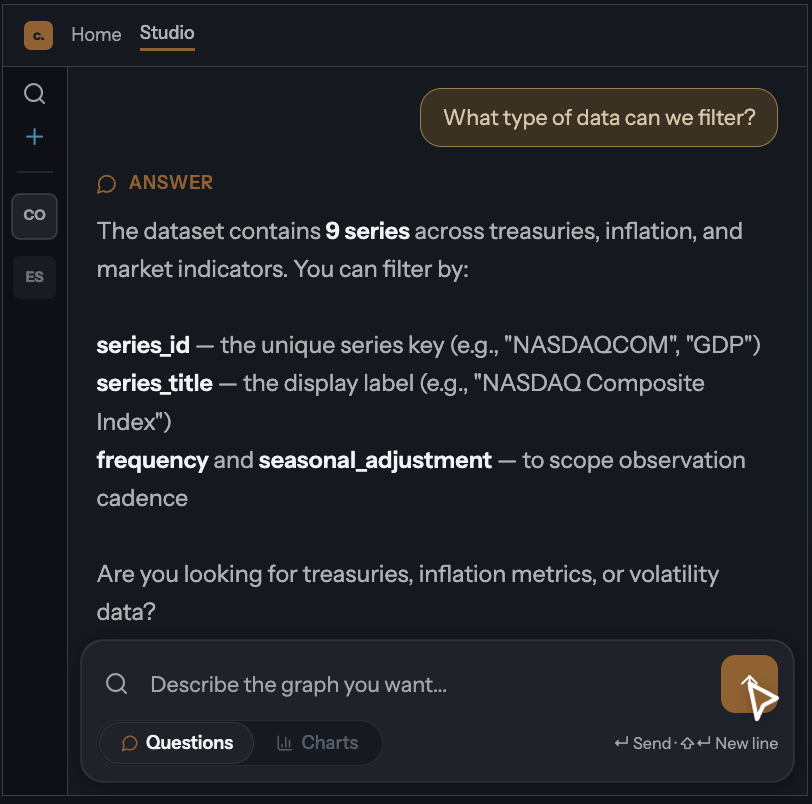
The description starts with "Use when" so the router matches it, and it carries the vocabulary too, because the format has no separate triggers field. The body below points at the CHION.md that holds the saved and reviewed queries and the read-only rules. Run the same question in Chion and the answer comes back as an interactive chart with one sentence on what changed.
The part the plugins leave to you: assembling it, and governing it
The first time I pointed an agent at our billing schema, the join above is exactly what it produced. I spent ten years writing these queries at Meta, Twilio, and American Express, and the model still made the join a junior analyst makes on day one. The fix was never a sharper prompt. It was reuse.
Then a schema change. We renamed amount_cents to amount_minor across the warehouse, and every hand-written skill that referenced the old column broke quietly. The compiled skills picked up the new column on the next refresh, because they are built from the live saved queries, not a snapshot of prose. That is the lived version of our anatomy of a SQL skill file: when the schema moves you re-compile the skill and diff the result, rather than hunting for whichever hand-written prose went stale.
A plugin or an open-source CLI gives you the engine. You still assemble the connection, the semantic layer, the query library, and the access rules, and you maintain them as your schema moves. Chion is the hosted version of that work. You open a browser, connect a read-only Postgres role, save the queries you trust, and the same governed path applies to every question: an AES-256-GCM credential vault, a 1,000-row cap, an audit row per executed query, and billing. The person asking the question never touches a terminal.
We render the answer as interactive D3 in the browser rather than the Python charts a plugin emits, because the person asking why signups fell is usually not the person who can run a notebook. They need to hover a bar, not re-run a script.
Claude Code data analyst tools, compared
Every cell here comes from the tool's own page, checked in June 2026. The top four rows are table stakes. The bottom two, shaded, are where Chion is a different kind of thing.
| Capability | Anthropic Data plugin | Kaelio ktx | MindsDB Minds | Chion |
|---|---|---|---|---|
| Charts and dashboards | Yes (/create-viz, /build-dashboard) | Via the agent it installs | Not documented | Yes (D3, in the browser) |
| Connects a live database read-only | Warehouses; read-only not emphasized | Yes, never writes | Yes | Yes, rejected in code before execution |
| Reuses saved queries | /validate QA only | Yes, semantic layer | Structured SQL | Yes, saved query library |
| Portable across Claude Code and Codex | Per-client plugin | Yes | Per-client server | Yes, export CHION.md |
| Opens in a browser, no assembly | No | No, you self-host | No | Yes |
| Billing and a shared saved-query library | No | No | Enterprise infra | Yes |
If you only need a quick text answer from a warehouse and will set your own rules, the free Data plugin or open-source ktx are genuinely strong, and you may not need Chion.
When to assemble it yourself, and when to open a hosted one
The honest split is about who you are. If you live in a terminal and want to wire it up yourself, the free Data plugin or open-source ktx are good choices. Chion earns its place when a non-engineer needs the analyst without building the stack, and a team needs governance around it.
The analyst Chion compiles is the AI SQL analyst you own. The file it exports is CHION.md. The authoring model behind both is the Claude Code skill for SQL.
Frequently asked
Can Claude Code analyze my database?
Yes. With Anthropic's free Data plugin, Kaelio's open-source ktx, or a hosted product like Chion, Claude Code can connect to your database, run SQL, and return a chart. The difference is governance: whether it runs read-only, reuses queries your team already saved and reviewed, and works for someone who is not an engineer.
Can Claude Code make a chart from my Postgres data?
Yes. The Anthropic Data plugin builds visualizations and dashboards, and Chion returns an interactive D3 chart with a written read of the result. Chion adds a read-only contract and a saved and reviewed query behind the chart, so the number under it is one you can defend.
Do I have to upload a CSV?
No. A CSV is a snapshot that is stale the moment it is exported. Chion connects to your live Postgres with a read-only role, so every answer reflects the current database, capped at 1,000 rows per query.
Is this a plugin or a portable skill I can move between tools?
Chion compiles a portable SKILL.md and CHION.md. The same file runs in Claude Code and Codex, and inside Chion Studio. The Anthropic Data plugin and MindsDB Minds are per-client plugins; Kaelio ktx is portable and open source.
How is this different from Anthropic's free Data plugin?
The Data plugin is free, first-party, and excellent if you live in Claude Code and set your own SQL conventions. Chion is the hosted, governed version a non-engineer opens in a browser: read-only by enforcement, a saved query library, an audit row per executed query, and billing. Where the Data plugin wins: it is free and connects more warehouses today.
Open a data analyst your team can trust
Connect a read-only Postgres role, save the queries you already trust, and ask in plain English. Read-only SELECT. Credentials in an AES-256-GCM vault. Results capped at 1,000 rows. Each executed query leaves an audit row, written fire-and-forget so a logging failure never blocks your answer. Compile the skill for Claude Code and Codex.